
Reporting and exports
The records you need. Without the repeat setup.
Export attendance, schedules, leave, and payroll inputs with the dates, people, and columns that matter. Data Export Center is included on both public plans.
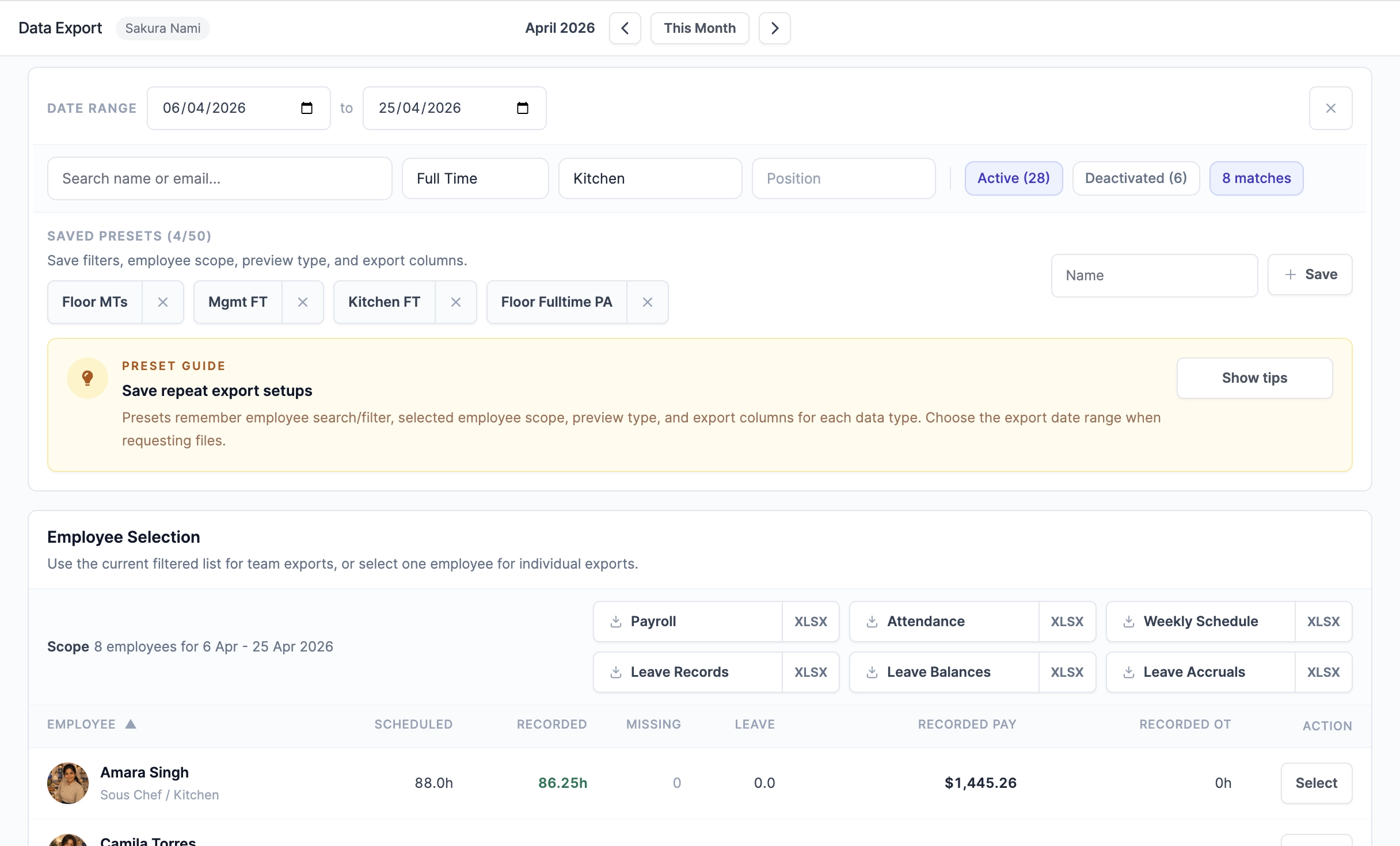
Choose
Make the report fit the question.
Select employees, dates, and columns, then preview the records before requesting a CSV file or Excel workbook. Access follows the permissions for the data you're using.
Repeat
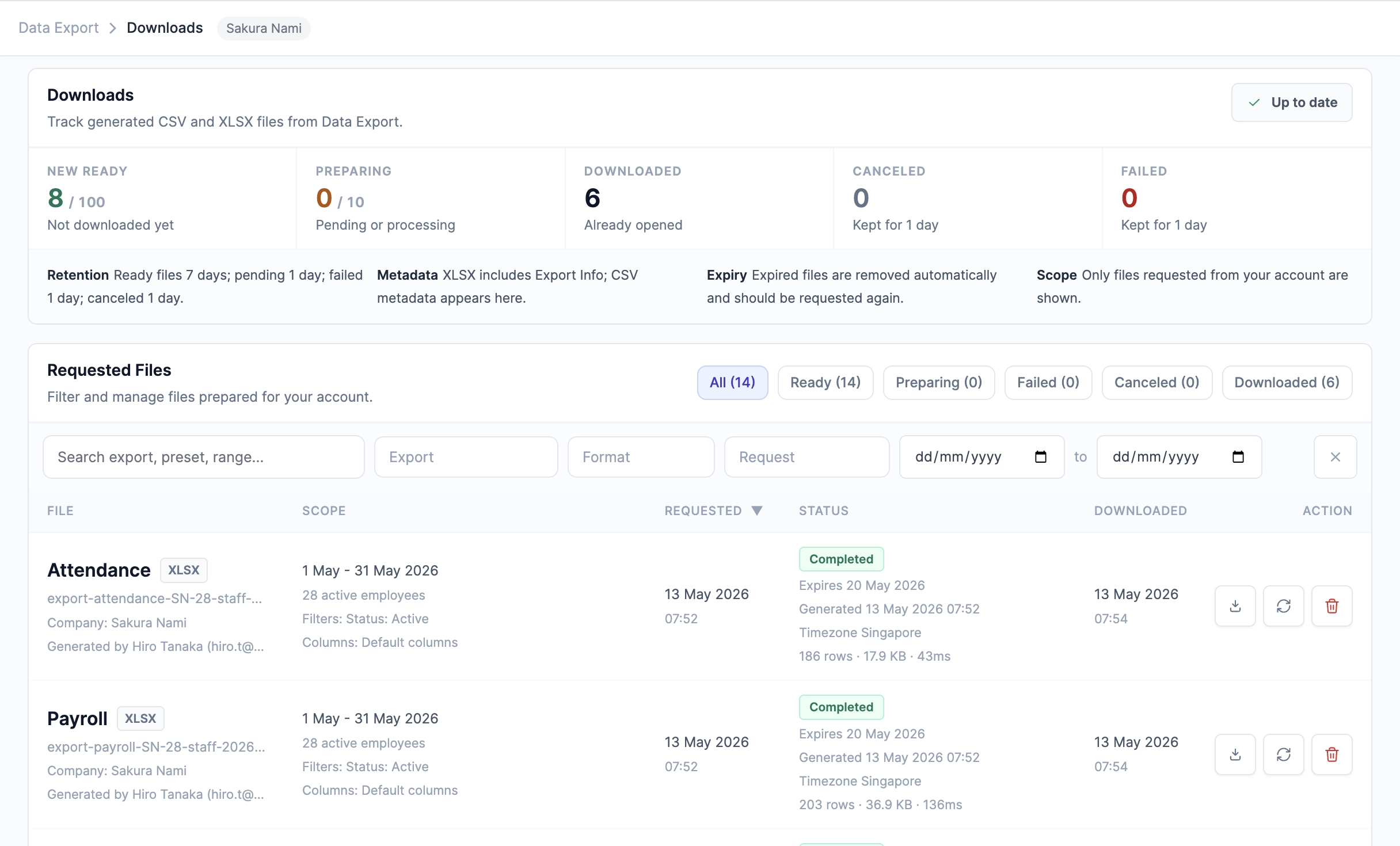
Save the setup for next time.
Keep reusable presets for recurring reports, schedule supported reports, and collect prepared files from Downloads while getting on with the day.
Know the source
Keep payroll inputs and payroll results distinct.
Export work records for payroll review and keep the supporting evidence accessible. Final pay-run results and payslips are managed separately in Payroll.
Explore payroll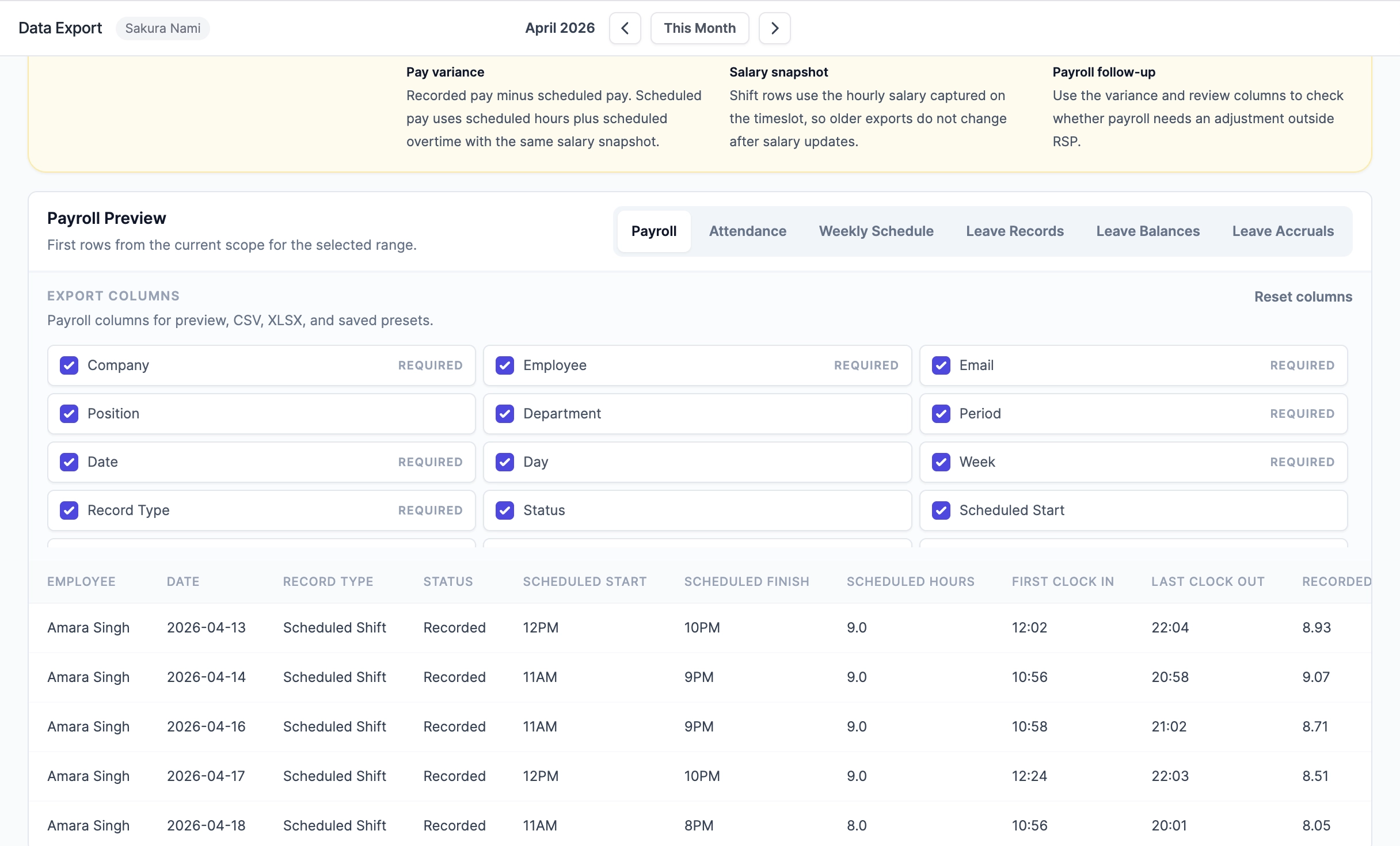
A few useful answers
Good to know before you start.
How is Data Export Center different from essential CSV exports?
Essential CSV exports are focused downloads from core pages. Data Export Center adds a dedicated workspace with employee selection, date ranges, CSV files, Excel workbooks, selected columns, Downloads, saved presets, scheduled monthly reports, file details, data source labels, and owner visibility.
Can saved presets remember export columns?
Yes. A saved preset can preserve filters and selected columns for each export type, so recurring payroll-input, attendance, schedule, and leave exports do not have to be rebuilt every period.
Should weekly finalized payroll use Data Export?
Use Payroll Handoffs for the finalized weekly payroll package, including direct CSV/XLSX downloads and Payroll Audit Links for external verification. Use Data Export when you need broader operational data across custom date ranges, saved presets, or scheduled monthly reporting.
Do scheduled reports send sensitive files by email?
No. Scheduled reports generate files in Downloads and notify the schedule creator when the file is ready. The notification does not include an attachment or direct download link.
Who can access payroll or wage-sensitive export columns?
Payroll-input and aggregate wage-sensitive columns in Data Export require Financial Visibility. Final payroll history, CPF/statutory details, payslips, payment destinations, and governed payroll exports stay in Payroll and require Payroll Management in a supported payroll jurisdiction.
What file formats are supported?
Most staff exports can be requested as CSV or XLSX. CSV works well for import into another system, while XLSX is better when users want an Excel workbook with export details included.
How long do requested downloads remain available?
Downloads are retained for a limited period and then removed automatically. If an old file is gone, users can request it again from Data Export or from a saved preset.
Made for hospitality
Make next week easier to run.
Bring operations, reservations, and payroll together. Not sure where to begin? Tell us about your outlet.